
Pictures and edits with Plotti
Ask Plotti to draw covers, portraits, backgrounds and achievement icons, or to edit what is in your story.
Plotti sits in a corner of the editor's canvas. Click her to open a chat and say in a sentence what you need: a portrait, a cover, or a change to some lines. Pictures she draws go into your library, and changes to the story are written straight into the story.
Pictures
Plotti can draw four kinds of picture, each with a fixed shape:
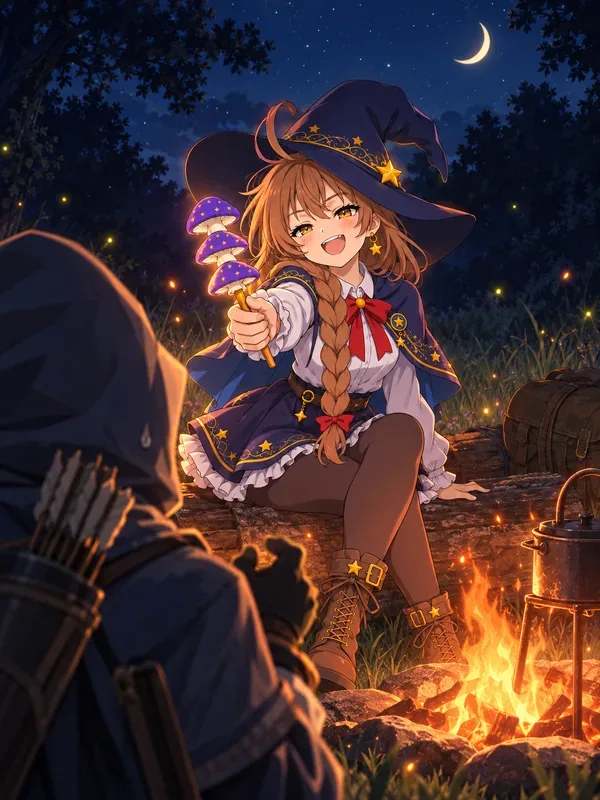
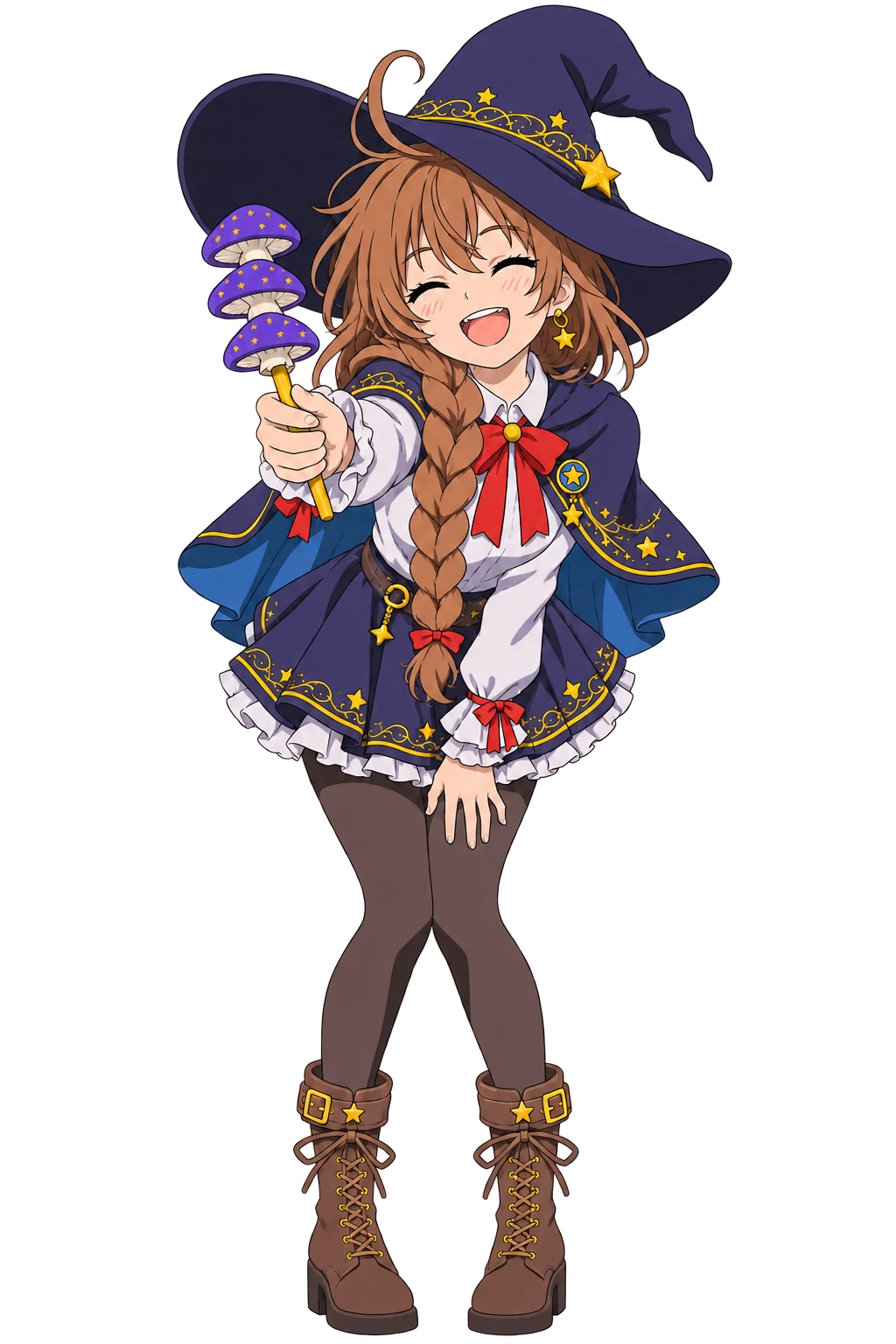

- Cover: describe the story's mood and its main character. Once it is drawn, you can ask her to set it as the story's cover.
- Portrait: drawn as a cut-out picture and put straight onto the character. Draw one for each look of the same character.
- Background: describe the place, the time and the light.
- Achievement icon: only the one object or moment the achievement stands for, with no frame and no text. You choose the frame in the achievement's settings.
The more specific the description, the closer the result is to what you have in mind: the people, pose, clothes, expression, art style and light.
Cover: a night by the campfire. A girl in a witch's hat smiles and holds out a skewer of mushrooms; in the foreground, a traveler in a cloak seen from behind. Fireflies, warm firelight.
Keeping the same character
Ask her to use a picture already in your library as a reference, and the new picture keeps the same face and the same clothes. You can change the expression, the pose, or put the character in winter clothes; say what to keep and what to change.
When your library already has a suitable picture, she uses that one first. She can also see the pictures you upload, so you can ask her to "use the one I just uploaded as the cover".
A picture takes about a minute and costs about 8 Poro.
Editing the story
Describe what to change, for example:
Add a second scene after the opening: the barkeep takes the player to a room upstairs and gives the player two options.
The barkeep's lines are too friendly. Make them shorter and colder.
Fix the items in the problems list.
She opens the node or panel to change and types into the fields one word at a time, while a pointer labeled Plotti marks where she is working.
To point at something, click Point at the page next to the input box, then click a node, field or character. Its name goes into your message.
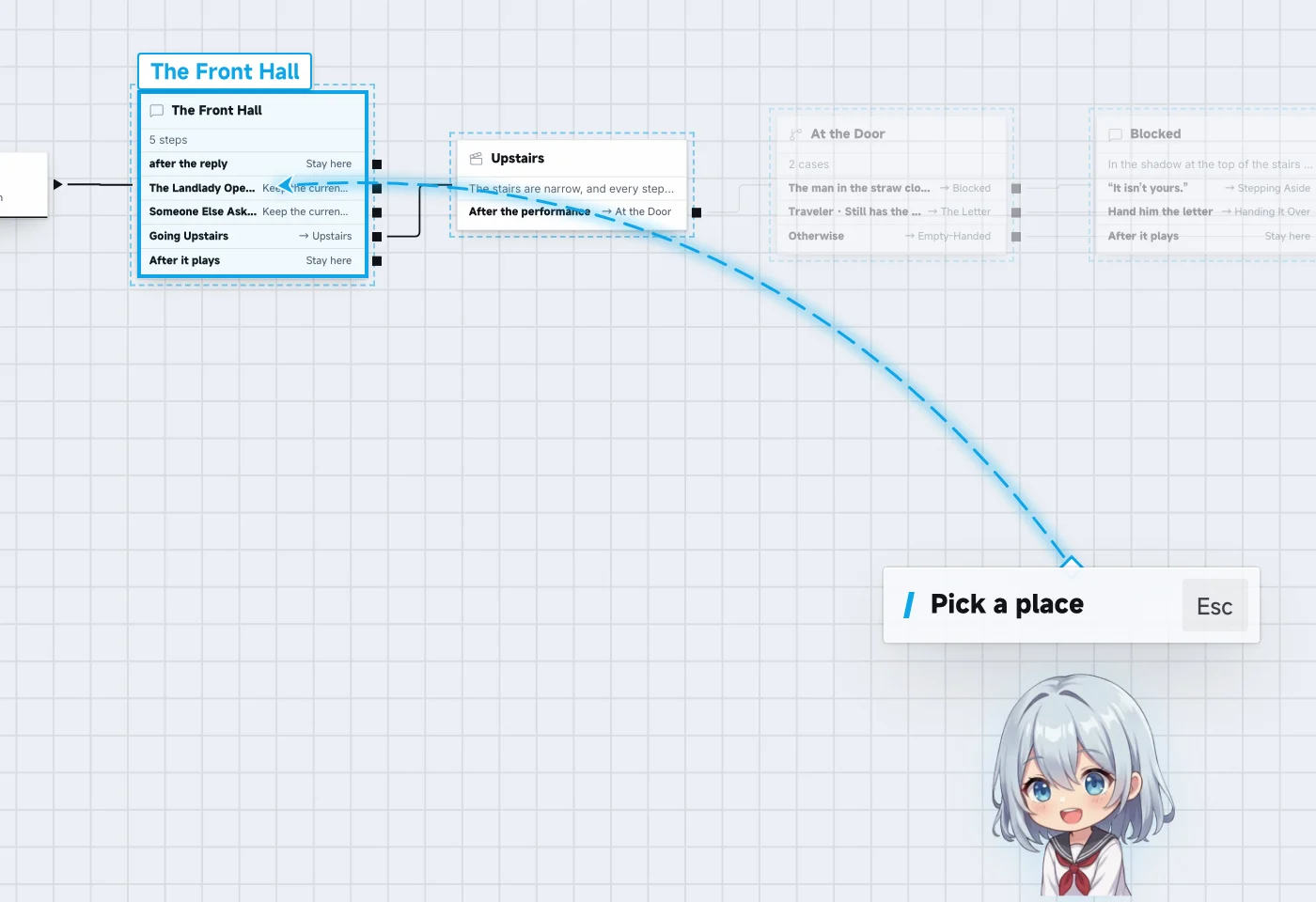
If you edit while she is making changes, your edit wins and she stops.
Cost
Both the chat and pictures are paid in Poro from your account. The chat shows in your transactions as Plotti Assist; pictures are charged separately.