
Script Factory
Script Factory Overview
Learn the core concepts and basic workflow of Plotti's script editor
What is Script Factory?
Script Factory is the core creative tool of the Plotti platform, enabling you to create rich interactive story experiences. With the visual node editor, you can easily build complex scripts with branching narratives, character dialogues, and conditional logic.
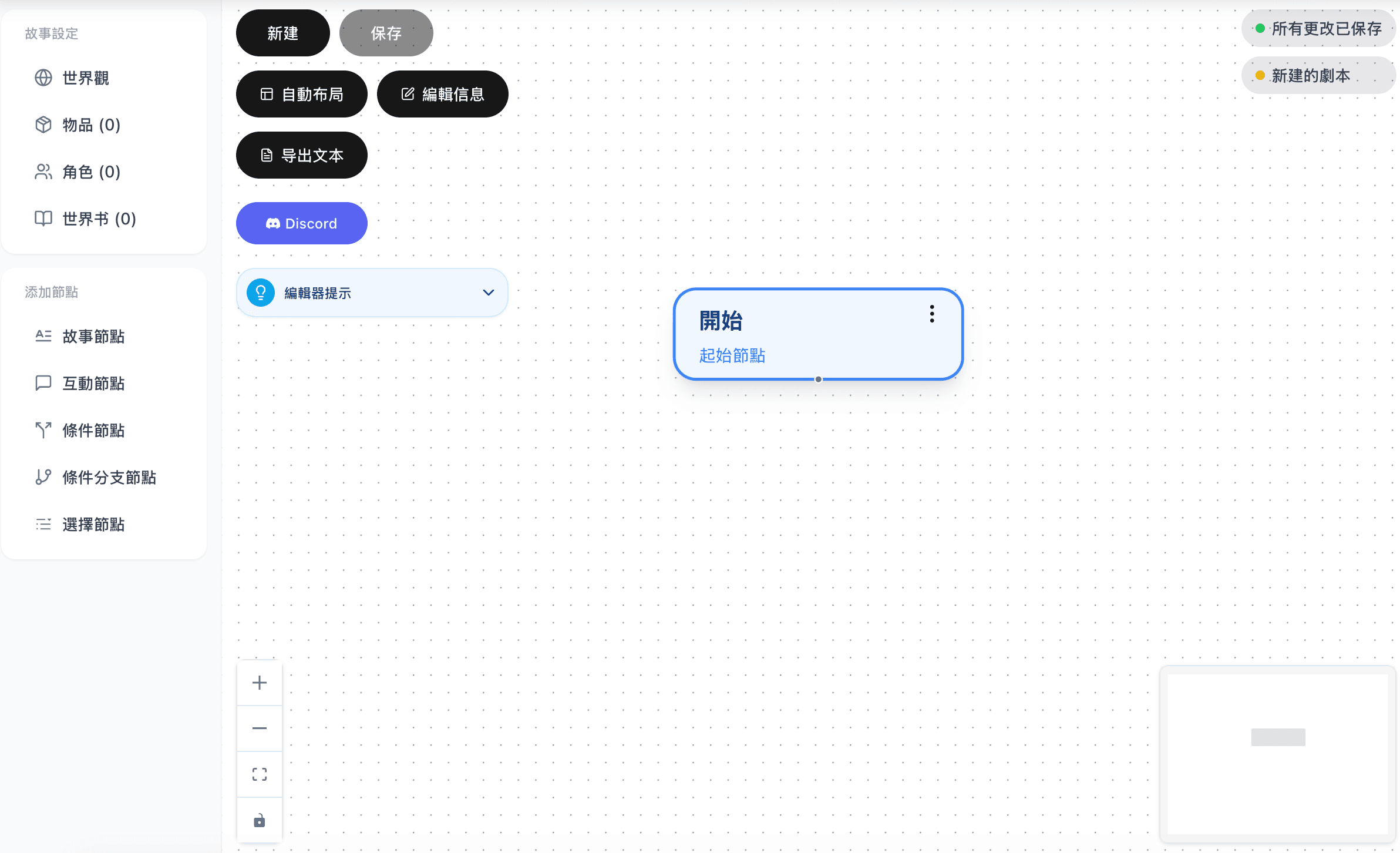
Quick Start
Step 1: Create a New Script
- Go to the Script Factory page
- Click the "New" button
- The system will automatically create a Start node

Step 2: Add Story Content
- Click "Story Node" from the left sidebar to add a node
- Click the new node and enter text content
- Drag a connection from the Start node to the Story node
Step 3: Save and Preview
- Click the "Save" button to save your script
- Click "Preview Script" to test your work
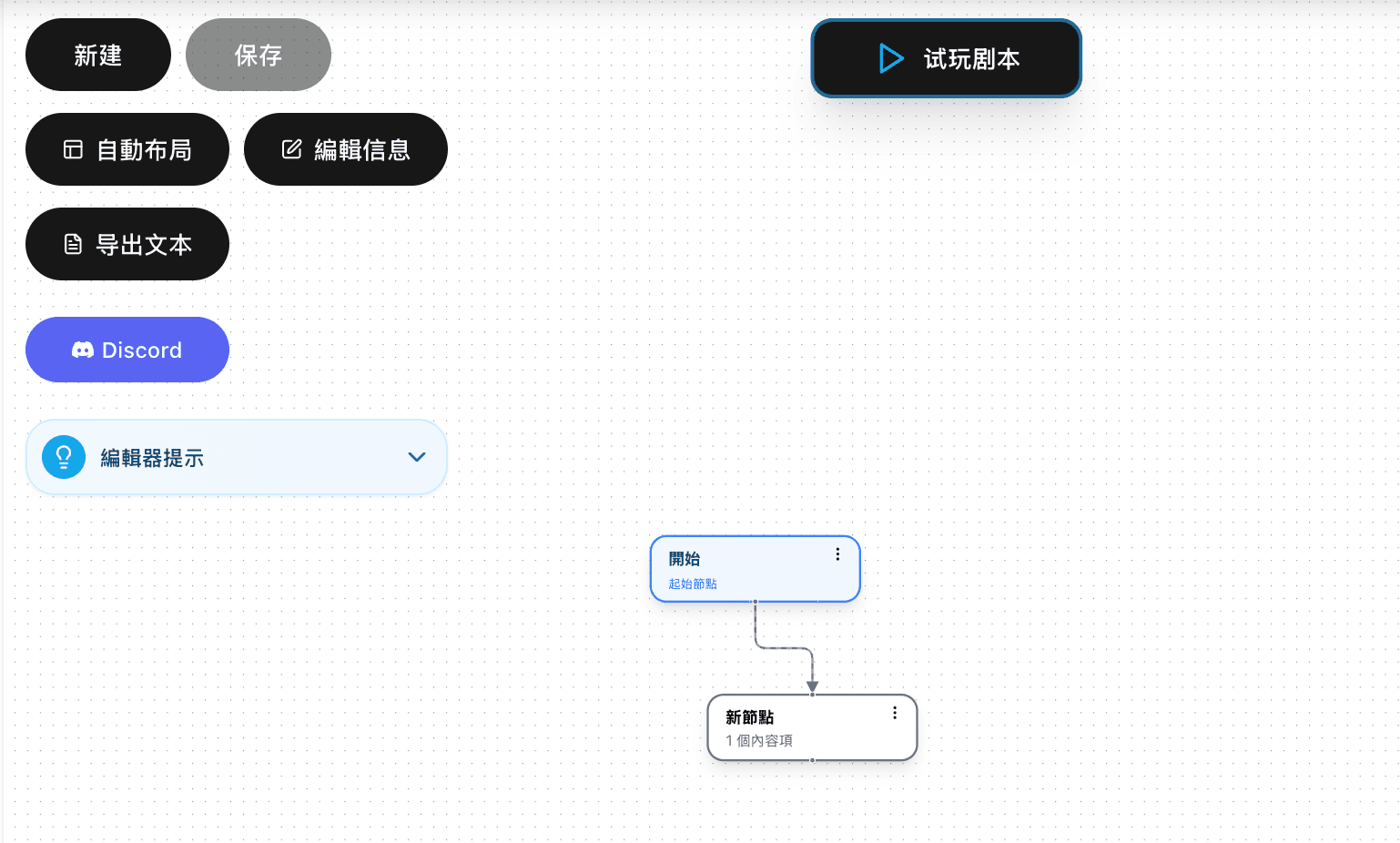
Script Structure
A complete script consists of the following elements:
| Element | Description |
|---|---|
| Nodes | Basic units of the story, containing content or logic |
| Connections | Flow relationships between nodes, defining story progression |
| World Settings | Background information including worldview, characters, items |
Node Types Overview
| Node | Function |
|---|---|
| Start Node | Script entry point |
| Story Node | Display text and images |
| Choice Node | Provide options for players |
| Condition Node | Auto-branch based on state |
| Conditional Branch Node | Complex multi-condition logic |
| Interaction Node | Character dialogue |
Next Steps
Ready to start creating? Continue reading the following tutorials:
- Interface Layout - Understand editor interface functions
- World Settings - Build your story world
- Node Types - Learn about each node type in detail
- Interaction Node - Master the core dialogue feature
Have questions? Join our Discord community for help!