
Performance nodes
Scenes that play on their own: fixed by you, or generated by Plotti.
A performance is a scene the player watches: lines and stage changes play in order, and the player does not need to respond. When it ends, it always moves on, to the node set under After the performance. Use it for an opening, a cutscene between two choices, or an ending.
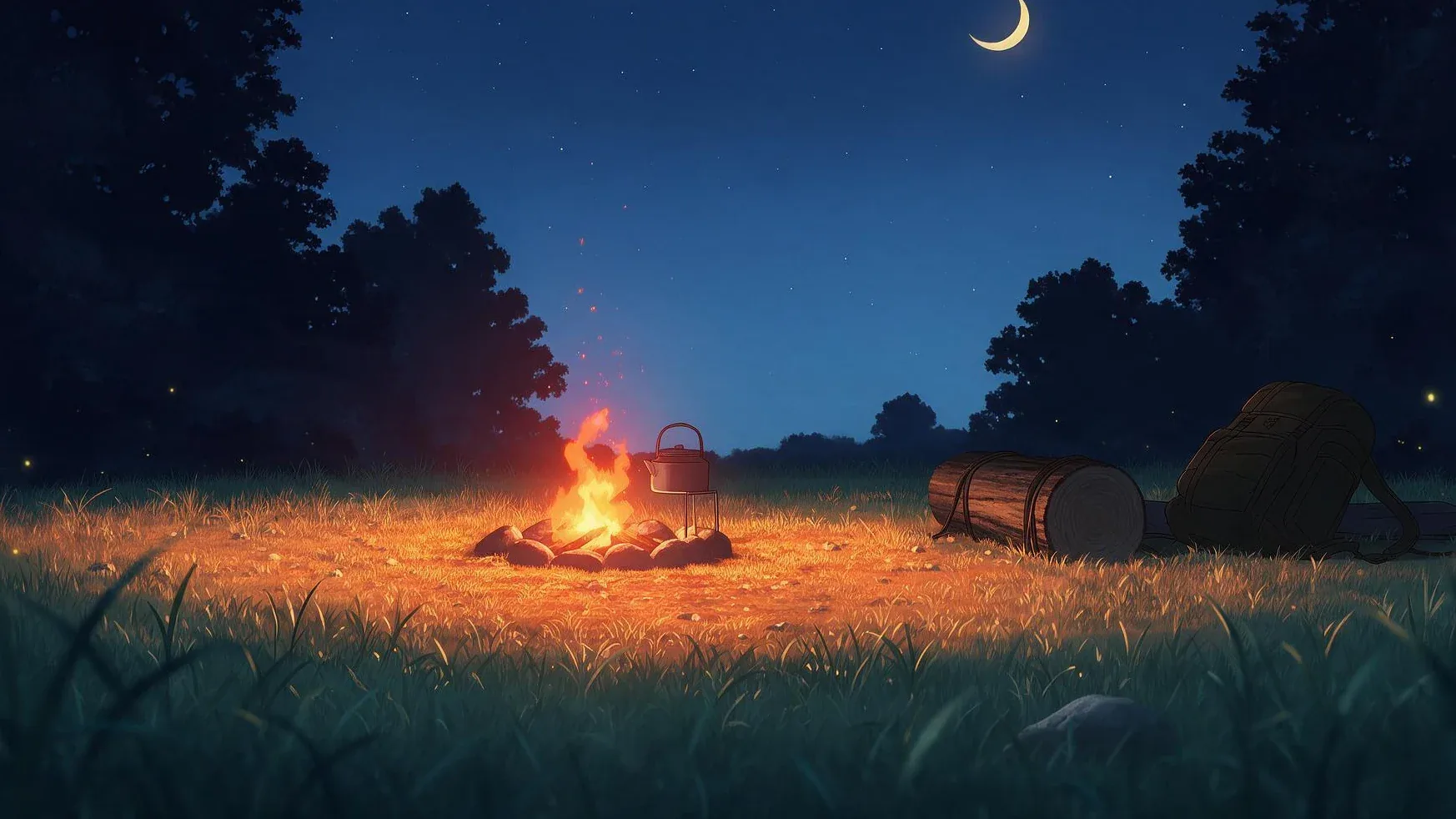
It rained all night.
Add one with + Performance in the left rail. How it plays at the top of the form is either Fixed or Generated. Switching keeps the steps you have already written.
Fixed
A fixed performance plays exactly the steps you wrote, every time: lines, stage steps, gestures, cards and changes to variables. It costs the player no Poro.
The form shows the steps as a storyboard. Each time the picture changes, a new numbered shot starts: a new background, a camera move, or someone coming on stage, moving or leaving. Each shot shows a still of the picture first, then lists its lines, one per row. A change of face, a grade or a gesture alone does not start a new shot.
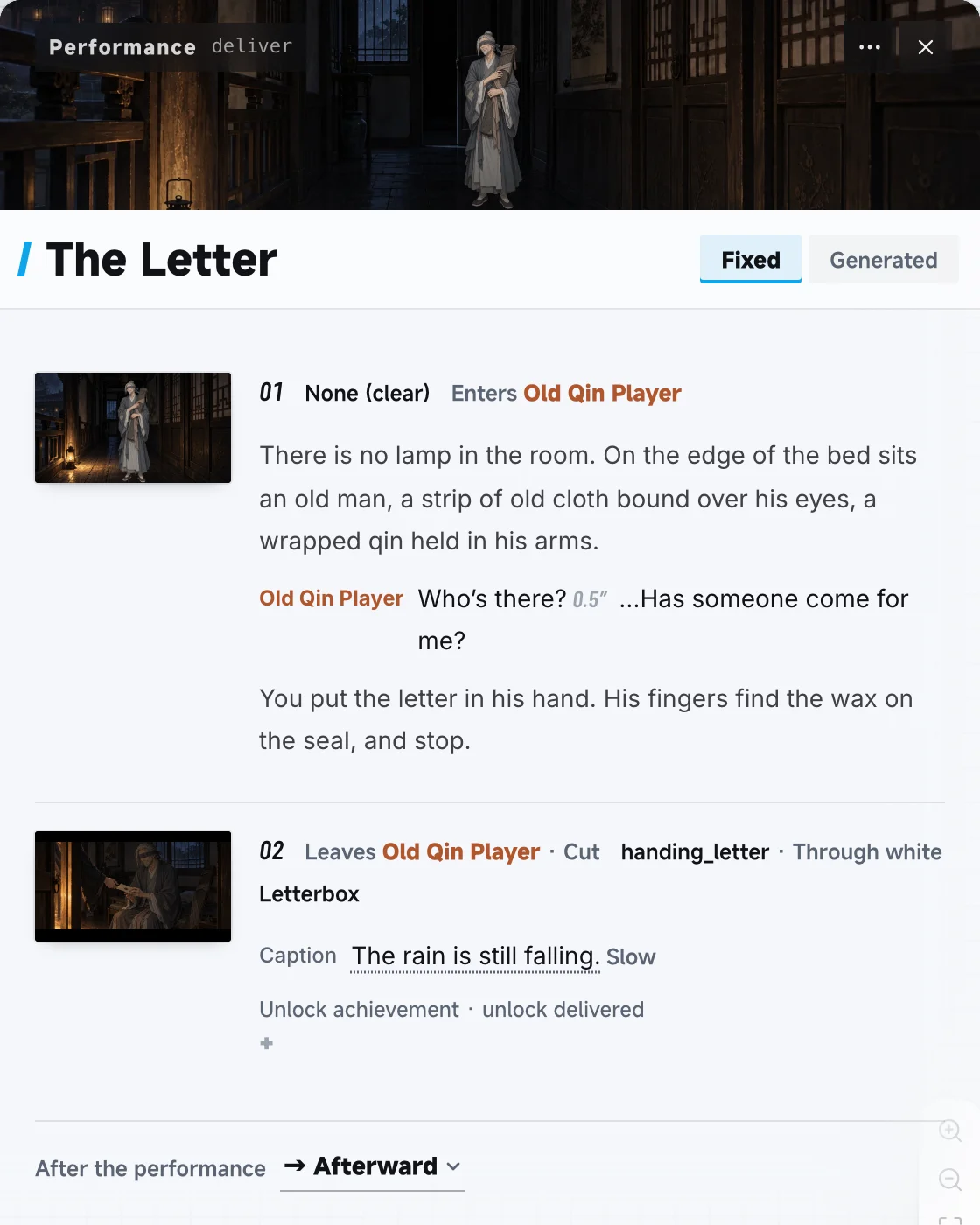
Click a step to open it in place. An open line or stage step has a Scene preview under it, with Play.
Generated
A generated performance is written by Plotti each time it plays, so it can follow what has happened in this run of the game.
- Brief: what Plotti should perform here, for example "The barkeep closes up for the night and tells the player one thing about the inn's past."
- Max lines: the most lines the scene can have (10 by default).
- Example: lines and stage steps that show Plotti the kind of scene you want. The example itself never plays. The kinds of stage change the example uses are the only ones Plotti may use: if someone comes on stage in the example, Plotti may bring characters on; if the example never changes the weather, neither will she.
The editor warns you when a generated performance has neither a brief nor an example, or when the example is longer than Max lines.
Lines
Every line, in a performance or an interaction node, has the same form:
- the speaker, or Narration;
- the speaker's Look, if they have looks (see The stage and portraits);
- Text box: Bottom (default), Centre caption, Full page, Thought (no name) or Letter.
The tools above the text change how the words play:
- Insert, at the cursor: a Pause, an Effect, or a Look, Gesture or Light that changes partway through the line.
- Apply, to the selected words: a Style or a Motion.
Move the pointer over an item in a menu to preview it on the scene.
Skip
During a performance the player can press Skip. After skipping, the stage and variables are exactly the same as after watching it all the way through; it skips only this performance, not the nodes after it.